
Squad Numbers & Club Identity
Not everything in Goal Legends is about results. A club has a crest, a kit, a name, and a squad full of numbered shirts, and all of it is yours to set once you take charge.
Squad numbers
Every number is unique within your own squad, so two players can't share a shirt, but a player doesn't have to have a number at all. New signings and academy graduates often start without one until you assign it. Numbers are handed out from a dedicated Squad Numbers screen where you can see the whole squad's assignments at once and move numbers around freely.
Renaming a player
Every player generated by the game gets a name from the start, but if you'd rather call them something else, each player can be renamed exactly once, for a set amount of GL Coins. It's a one-time thing per player rather than an open setting, so it's worth using deliberately rather than on the first player who catches your eye. Once it's used, the option is gone for that player for good.
Your crest
Every club already has a crest the moment you take it over, assigned automatically so no team ever runs out onto the pitch with nothing on its shirt. It's built from a shape, an optional emblem layered on top of it, and two colors that carry through the rest of your club's identity. There's no single fixed crest template, the shape and emblem combination is yours to change at any point from the crest editor, and it's free to keep reworking until you land on something you're happy with.
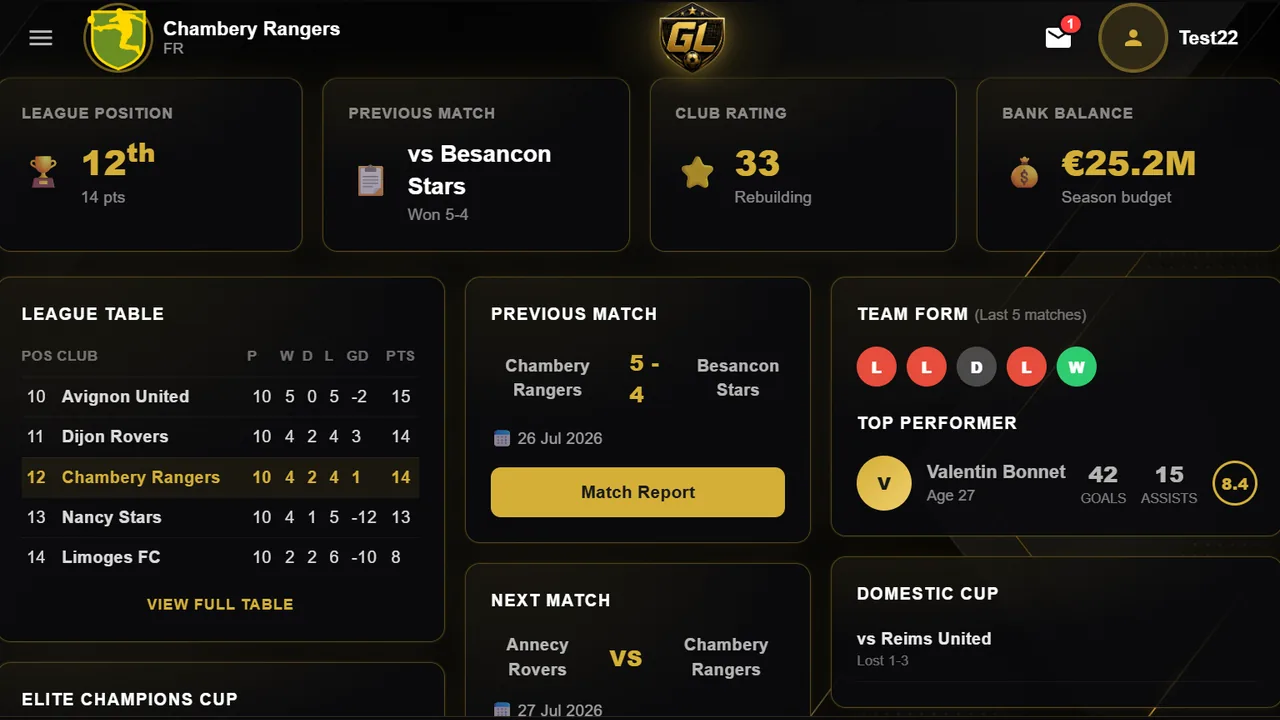
If the built crest editor isn't what you're after, you can replace it entirely with your own image, uploaded from your own device and shown everywhere a crest normally appears: the top bar, your club page, the fixture list. That's a separate, paid option layered on top of the crest system rather than a replacement for it, and switching back later just means turning the uploaded logo off again, your built crest is still sitting there underneath, untouched the whole time.
Kit pattern
The kit itself comes in five patterns: Solid, Stripes, Halves, Hoops and Sash, and whichever one you pick is rendered using the same two colors you set on your crest, so the crest and the kit always match rather than being configured separately. Goalkeepers are the one exception: their kit automatically swaps the two colors around, which is the simplest way to keep a keeper visually distinct from the ten outfield players in front of them without you having to set a second kit by hand.
Changing the kit's colors or pattern is free and can be done as often as you like, the same way the crest editor is, so there's no cost to trying a few combinations before settling on one.
Renaming your club and stadium
Both your club and your stadium can be renamed once for free, and the two are tracked completely separately, so using your free club rename doesn't use up your free stadium rename or the other way round. After that first free change, renaming either one again costs GL Coins rather than being free indefinitely. It's a small guardrail against a name being changed on a whim every week, while still leaving the door open if you genuinely want a different one later, you're just paying for it past the first time.